"Cabrzy, how do I put money on Stake?" - I get this question all the time on my streams. It's actually super simple once you do it for the first time. I've put together this guide to walk you through the exact steps I use, whether you're depositing with Bitcoin or buying crypto directly on the site. Let's get you ready for some action!
Step-by-Step Guide to Depositing on Stake
Step 1: Log In and Find Your Wallet
First things first, you need to be logged into your Stake.com account. Once you're in, look for the blue 'Wallet' button at the top of the page. It's usually right in the center. Click it to open the deposit and withdrawal window.
Step 2: Choose Your Deposit Method
Inside the wallet, you'll see the 'Deposit' tab. Stake is a crypto-first casino, so you'll see a list of supported cryptocurrencies like Bitcoin (BTC), Ethereum (ETH), Litecoin (LTC), and others. You have two main options:
- Direct Crypto Deposit: If you already own cryptocurrency in an external wallet (like Coinbase, Binance, or a hardware wallet), this is the fastest and cheapest method.
- Buy Crypto with Fiat: If you don't have crypto, you can buy it directly on Stake using your local currency (like USD, EUR, CAD) through their third-party partner, MoonPay.
Step 3 (Option A): Depositing with Existing Crypto
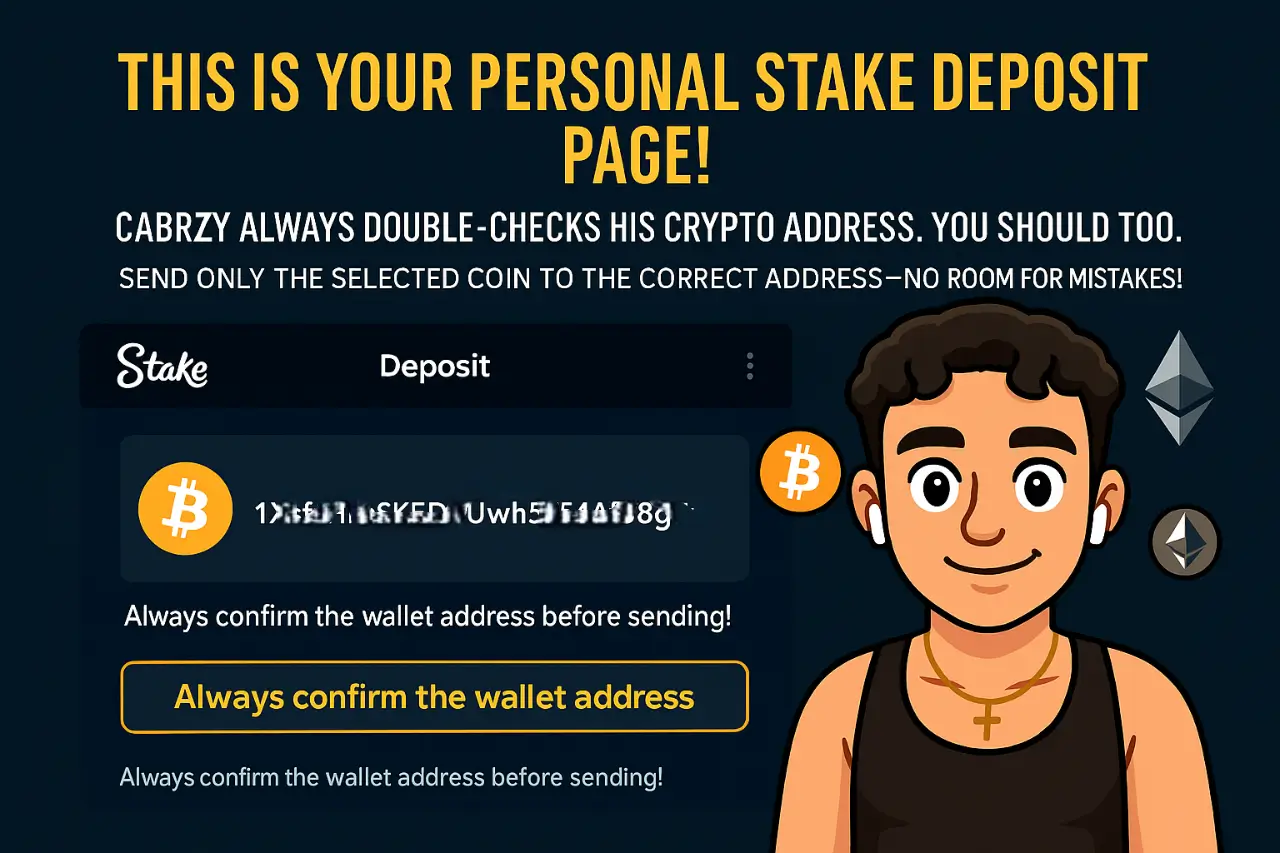
This is my preferred method. Select the cryptocurrency you want to deposit from the dropdown menu. Stake will generate a unique deposit address for that specific coin.
CRITICAL: Only send the selected coin (e.g., BTC) to the generated BTC address. Sending a different coin will result in a loss of your funds!
- Select your cryptocurrency (e.g., Bitcoin).
- Copy the provided deposit address.
- Go to your external crypto wallet or exchange.
- Initiate a withdrawal/send transaction.
- Paste the Stake deposit address as the destination.
- Confirm the transaction and wait for blockchain confirmations.
Step 3 (Option B): Buying Crypto via MoonPay
If you're starting from scratch, buying crypto on Stake is very convenient. Instead of selecting a crypto, look for the 'Buy Crypto' button. This will open the MoonPay interface.
- Choose the cryptocurrency you want to buy.
- Enter the amount in your local currency (e.g., $100).
- MoonPay will show you how much crypto you'll receive.
- Follow the on-screen instructions to complete the purchase with your credit/debit card or other available methods.
- Once the purchase is complete, the crypto will be automatically credited to your Stake wallet.
Deposit Method Comparison
| Feature | Direct Crypto Deposit | Buy Crypto (via MoonPay) |
|---|---|---|
| Speed | Fast (depends on blockchain) | Very Fast (usually minutes) |
| Fees | Low (only network fees) | Higher (includes service fee) |
| Convenience | Requires an external wallet | Excellent for beginners |
| Best For | Experienced crypto users | New players or fiat users |
Final Tips from Cabrzy
Always double-check the deposit address before sending funds. A small mistake can be costly. If you're new, maybe start with a small test transaction to get comfortable with the process. Now you're all set to hit the slots. Good luck, and maybe I'll see you on the leaderboards!